7 Proven Slicer Tweaks to Master Volumetric Flow Rates and Cut 3D Printing Costs
In modern FDM 3D printing, pushing your print speed slider to 300 mm/s or 500 mm/s sounds impressive, but print speed alone is a misleading metric. The real bottleneck holding back faster print times and lower production costs is your hotend's volumetric flow rate.
Volumetric flow rate measures the physical volume of molten plastic your hotend can melt and push through the nozzle per second, measured in cubic millimeters per second (mm³/s). If your slicer commands a print speed that demands more volumetric volume than your heater block can supply, the extruder slips, layers under-extrude, and print failure rates spike.
By mastering volumetric flow limits in slicers like OrcaSlicer, PrusaSlicer, or Bambu Studio, you can shorten print durations, lower electrical power consumption per job, and drastically minimize failed print waste.
Quick Answer / Key Takeaways * Volumetric Flow Formula: Volumetric Flow (mm³/s) = Layer Height (mm) × Line Width (mm) × Print Speed (mm/s). * Standard Hotend Limits: Standard V6 hotends cap out at roughly 12–15 mm³/s for PLA, while high-flow ceramic blocks reach 30–45 mm³/s. * Cost Impact: Exceeding volumetric limits causes gear grinding, weak layer adhesion, and wasted filament reels, inflating total unit manufacturing costs.
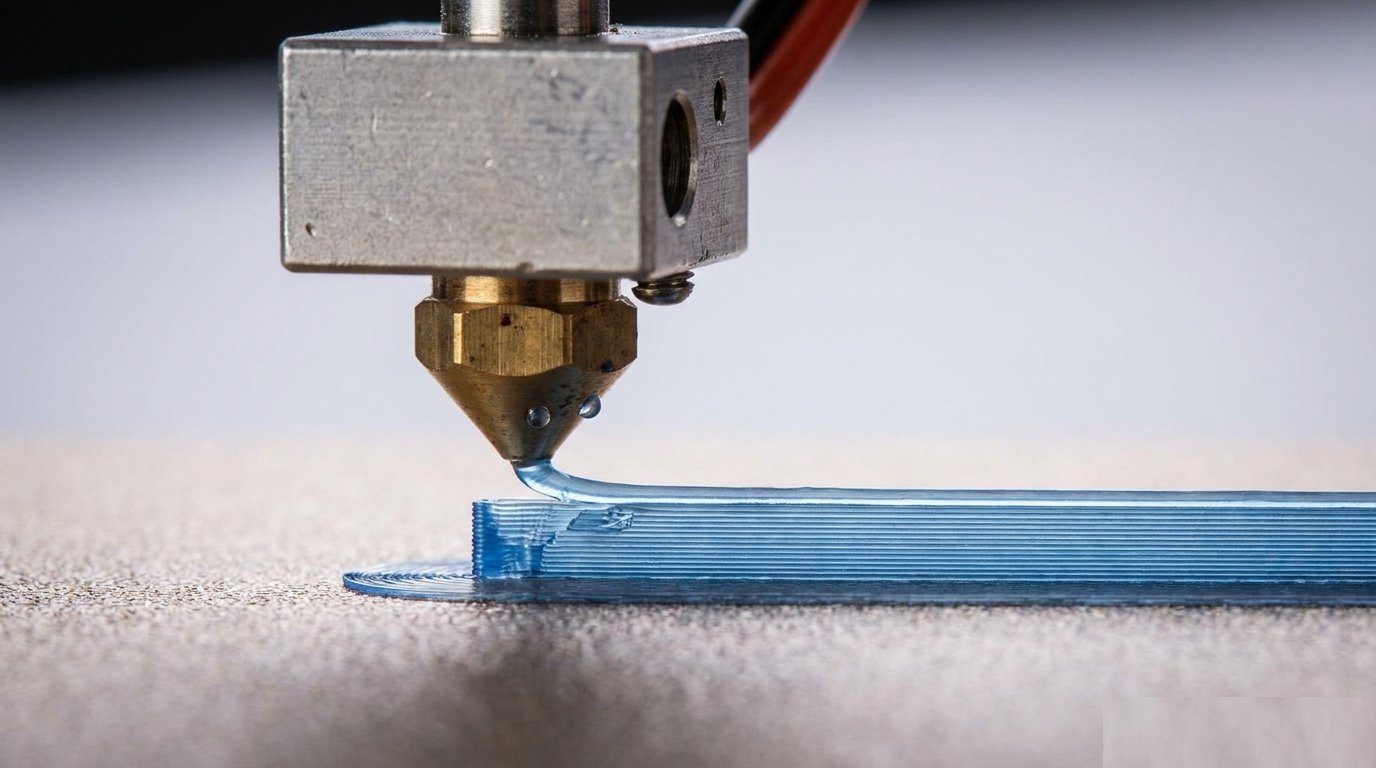
Thermal Mechanics & Volumetric Limit Dynamics
To understand volumetric flow, visualize the hotend melt zone as a thermal heat exchanger. Cold plastic filament enters the top of the heatbreak, absorbs thermal energy as it passes through the melt block, and exits through the orifice as a uniform viscous liquid.
When print speed or layer thickness increases, filament passes through the melt zone faster. If the dwell time inside the heat block is too short, the core of the filament strand remains semi-solid. This under-melted core increases backpressure inside the nozzle, forcing the extruder drive gears to strip the filament or slip against the drive gear teeth.
Exceeding your hotend's thermal recovery ceiling results in a sharp drop in nozzle temperature. The heater cartridge draws continuous maximum power attempting to recover thermal equilibrium, elevating energy consumption while yielding brittle, under-extruded parts.
Calculating Max Volumetric Speed (mm³/s) for Filament Types
Determining your material's maximum volumetric speed prevents setting arbitrary speed caps in your slicer profile. Calculate your target parameters using the standard volumetric throughput equation:
Max Volumetric Speed (mm³/s) = Layer Height × Extrusion Width × Maximum Speed
| Filament Type | Standard Hotend Limit (mm³/s) | High-Flow Hotend Limit (mm³/s) | Thermal Recovery & Cost Impact |
|---|---|---|---|
| PLA / PLA+ | 12.0 – 15.0 | 28.0 – 35.0 | Fast thermal absorption; low energy cost per cm³ |
| PETG | 10.0 – 13.0 | 22.0 – 28.0 | Sticky melt pool; prone to backpressure stringing if over-driven |
| ABS / ASA | 14.0 – 18.0 | 30.0 – 40.0 | Excellent fluid flow; requires high chamber heat retention |
| TPU (95A) | 3.0 – 6.0 | 8.0 – 12.0 | Highly elastic; excessive flow causes buckle jams in the extruder |
For detailed hotend engineering benchmarks and melt chamber flow rates, consult E3D Online's Hotend Max Volumetric Flow Technical Documentation.
7-Step Slicer Profile Optimization Checklist
Follow these 7 practical tweaks to lock in your slicer's volumetric flow ceiling and slash print production costs:
1. Run a Max Volumetric Flow Calibration Test
Print a progressive flow tower model using step increments of 1 mm³/s from 10 mm³/s to 30 mm³/s. Identify the exact height where layer sheen turns dull or under-extrusion appears.
2. Cap the Max Volumetric Speed in Slicer Filament Settings
Enter your tested threshold into the "Max Volumetric Speed" field under your filament profile. The slicer will automatically throttle speed on thick infill lines while maintaining maximum speed on narrow perimeters.
3. Upgrade to CHT or Split-Flow Nozzles
Bonded CHT (Core Heating Technology) copper nozzles split the filament stream into three channels, increasing surface area contact with the melt zone and boosting volumetric flow by 40% to 70% without changing your heater block.
4. Optimize Extrusion Width to Match Layer Heights
Set perimeter line width to 110%–120% of nozzle diameter (e.g., 0.48 mm for a 0.4 mm nozzle). This stabilizes flow dynamics without over-pressurizing the nozzle tip.
5. Adjust Hotend Temperature for Speed Trajectories
Raise nozzle print temperature by 5°C - 10°C when printing near your maximum flow ceiling. Higher heat lowers polymer viscosity, allowing faster flow through the orifice.
6. Set Variable Layer Heights Strategically
Use thinner layer heights (0.12 mm) on steep curves and thicker layer heights (0.28 mm) on straight vertical walls. Thicker layers reach the volumetric flow cap at lower linear speeds, stabilizing print quality.
7. Synchronize Cooling Fan Speeds with Flow Acceleration
Increase auxiliary cooling fan power in high-flow regions. Fast-extruded plastic carries more thermal energy onto the model, requiring immediate cooling to prevent overhang sagging.
Preventative Maintenance & Cost Calculator Integration
Over-driving your volumetric limits increases wear on drive gears, causing fine filament dust to clog your extruder housing. Clean extruder gear teeth monthly with a brass brush to prevent mechanical slippage.
For common 3D printing troubleshooting and maintenance tips that protect your investment, visit 3D Error Fix for technical solutions on hotend clogs, nozzle wear, and thermal management.
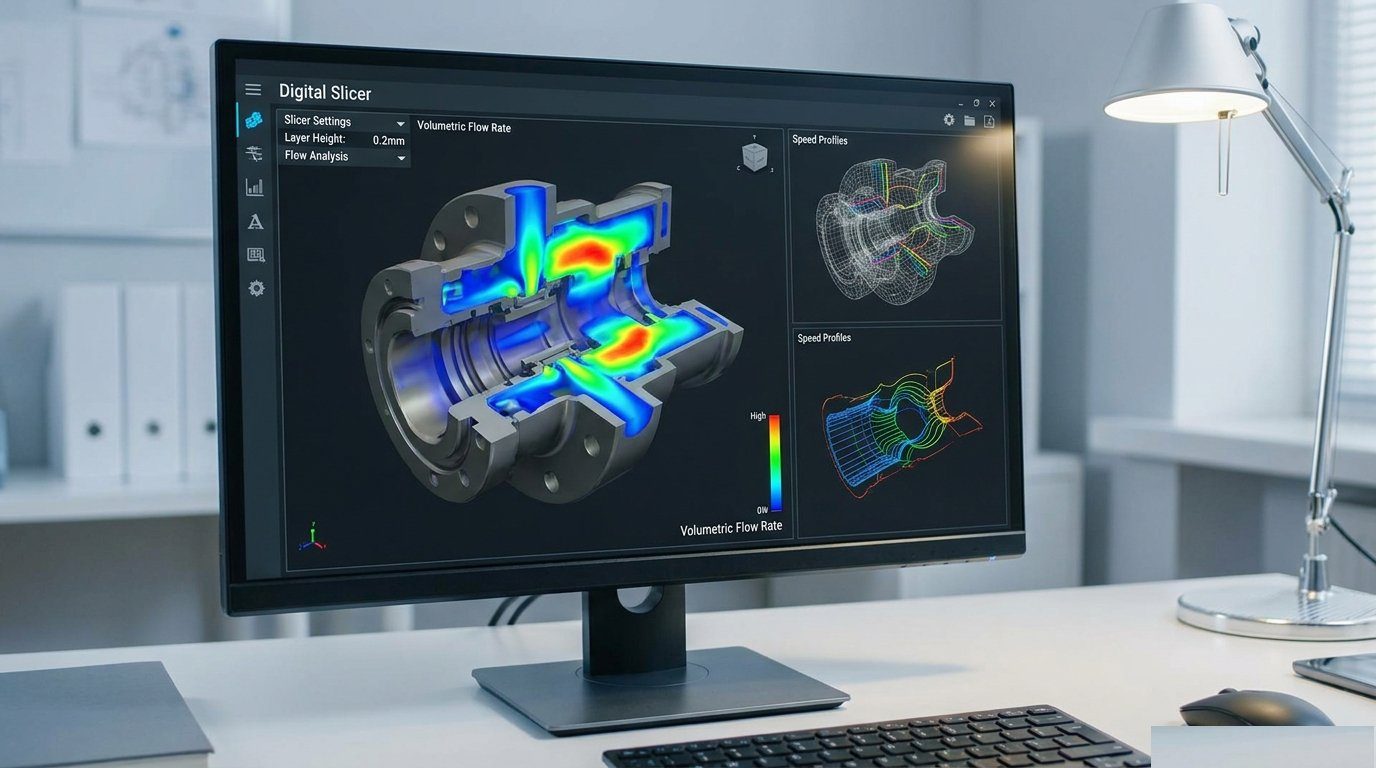
Calculate Your Exact Production Costs
To instantly calculate your exact print job cost, machine depreciation, and volumetric hourly rates, use our free 3D Print Cost Estimator. Input your hotend specifications, filament type, and print parameters to optimize profitability on every print.